ADVERTISEMENT
The QR Scanner app is designed for individuals who rely heavily on scanning QR codes for both personal and professional tasks. Its fitness goals center around making the scanning process effortless, allowing users to focus on efficiency. Whether you're a student scanning information from textbooks, a business professional sharing vCards, or a traveler checking Wi-Fi details, this app is perfectly tailored for all Android users. Available for IOS shortly, the QR Scanner app prides itself on being free and secure, making it an invaluable tool for everyone. 📱
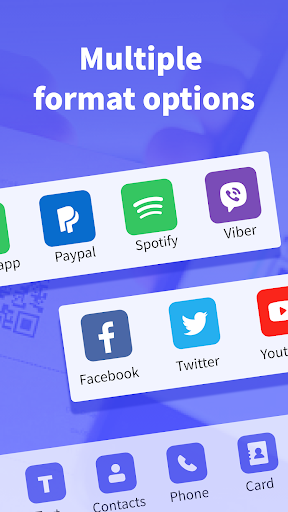
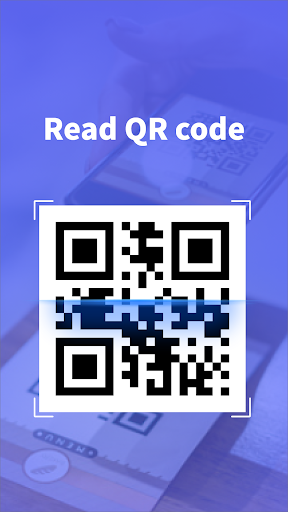
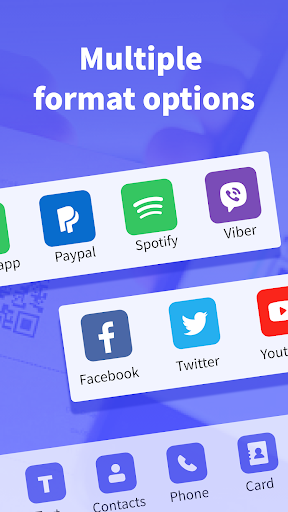
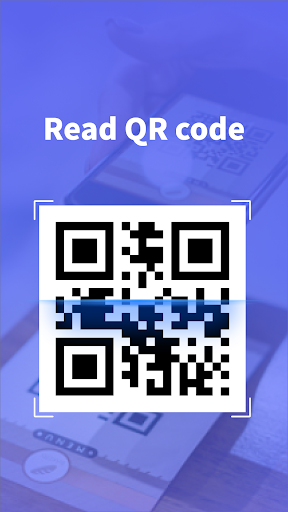
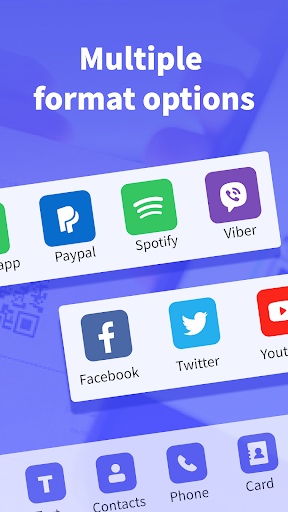
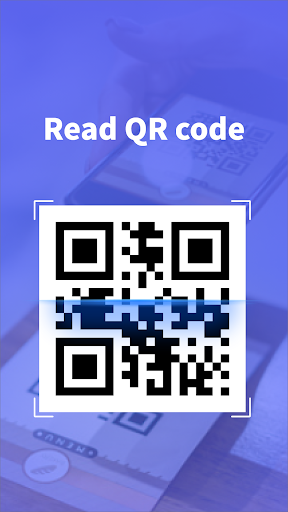
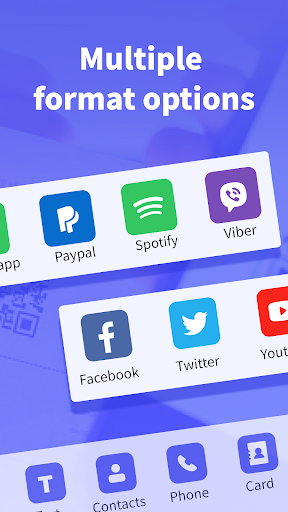
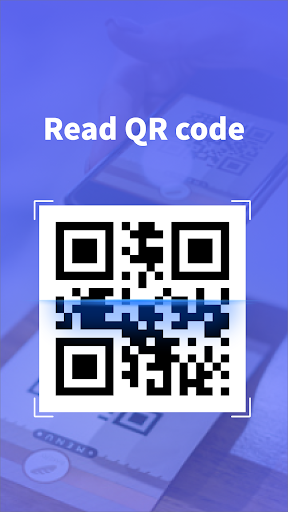
1. Scan QR Codes: The app supports all common QR code formats, making it incredibly versatile. It quickly scans URLs, text, contacts, Wi-Fi details, and more, ensuring that users don't waste time fiddling with settings. When you download the QR Scanner app, you arm yourself with the ability to easily access various forms of information in seconds. 🌐
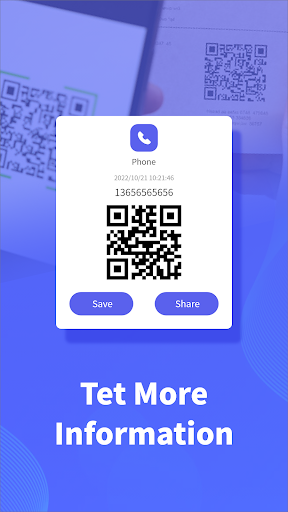
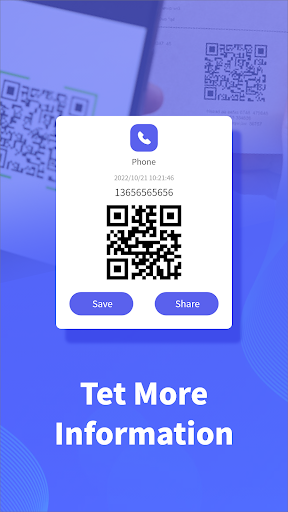
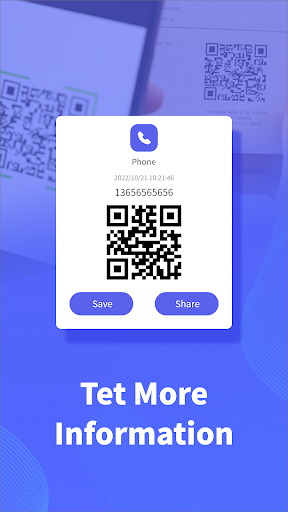
2. Create QR Codes: One of the standout features is the ability to create your own QR codes. Users can generate a QR code instantly by entering text, links, or data, which can then be saved or shared with others. This feature allows for creativity and efficiency, as anyone can make their own QR codes without needing additional software. Just install the QR Scanner app and start generating! 🎨
3. History Log: The app maintains a comprehensive history log, automatically tracking every QR code you scan or create. This means you can easily revisit prior codes, eliminating the hassle of searching for codes you've accessed in the past. Users can rely on this feature to retrieve important information at a glance after they install the QR Scanner app. 📜
4. Barcode Support: The QR Scanner app is not limited to QR codes; it also scans product barcodes to display item details. Additionally, if the barcode is damaged, users have the option to input the numbers manually. This multi-functional capability makes it an essential tool for shopping and inventory tasks. 🛒
While the QR Scanner app excels in many areas, there are still aspects that could benefit from improvement.
1. User Interface: Some users have reported that the interface could feel cluttered at times, especially for new users. A more streamlined design would make it easier to navigate through its features.
2. Speed of Scanning: Although the app performs well, enhancing the speed at which QR codes and barcodes are scanned could improve user experience. Users expect instant results, especially when they download the QR Scanner app.
3. Help and Support: Providing a more robust customer support system, including tutorials or FAQs, would empower users to make full use of all features. Enhancing this aspect could retain more users after they choose to install the QR Scanner app.
User feedback about the QR Scanner app is largely positive, highlighting its simplicity and effectiveness. One user commented, “This app is a game-changer. I can scan anything within seconds!” Another satisfied user stated, “Creating my own QR codes is a breeze!” ⚡️
However, not all reviews are glowing. Some have pointed out that the interface can be confusing and suggested it needs improvement. One user mentioned, “It’s great when it works, but I wish it was faster and more user-friendly.” Others have echoed similar sentiments, pointing out the need for enhancements while still appreciating the valuable features offered by the app. 🌟
ADVERTISEMENT
Safe & Fast App Downloads on Tapocket
Tapocket secures downloads of the QR Scanner with signature verification.